Features
Trax is the control center for bands performing with multitracks: playback, chords, setlist and mixer in one app — built for live use.
Live screen: transport, sections, chords and cues
The live screen is the control center of the show: play/pause, stop, previous and next song, smooth fade in/out, section loop and automatic song advance at the end of a song — all in a single bar.
The waveform shows the song with colored section markers (intro, verse, chorus, bridge …). Clicking a section jumps straight to it. Alternatively, switch to a tile view of the sections or to a continuous song sheet.
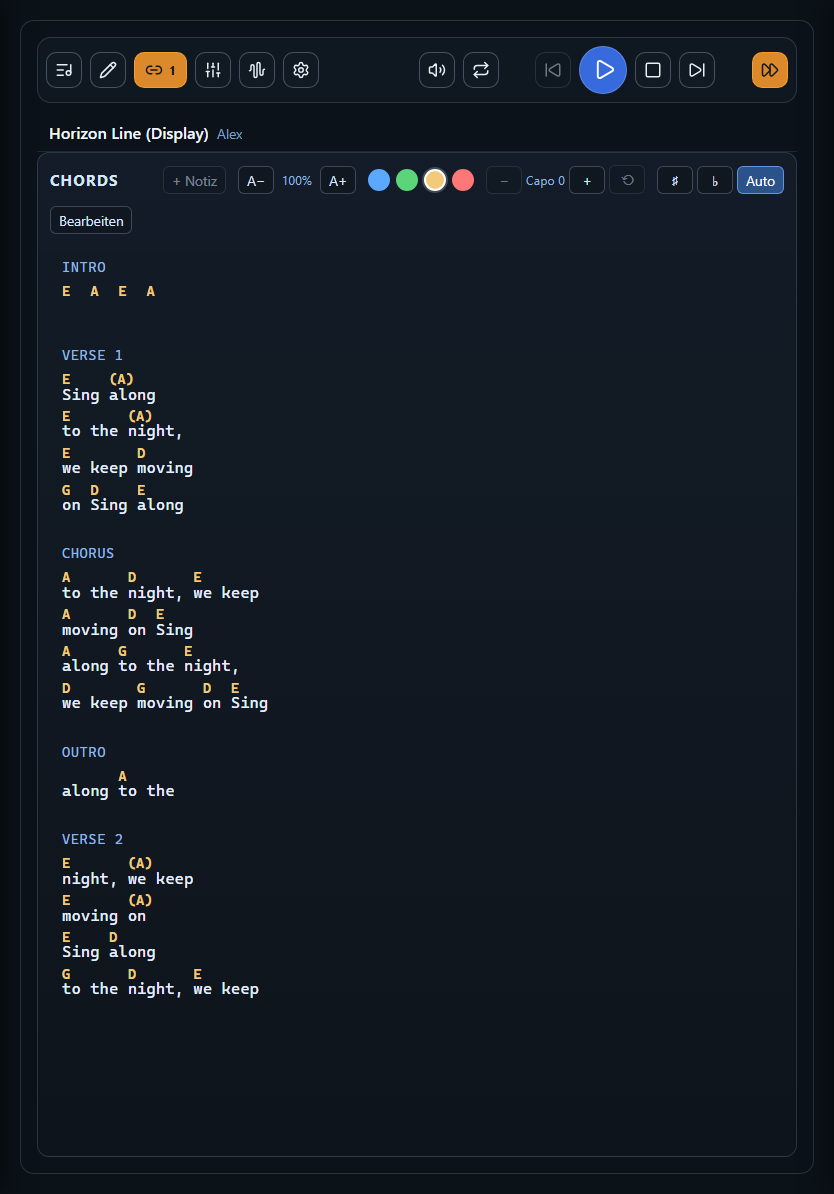
The chord display shows the current and the next section side by side — with adjustable font size, capo and notation. Automatically spoken cues such as “bridge” or “chorus” give the band acoustic orientation via the cue channel.
Mixer
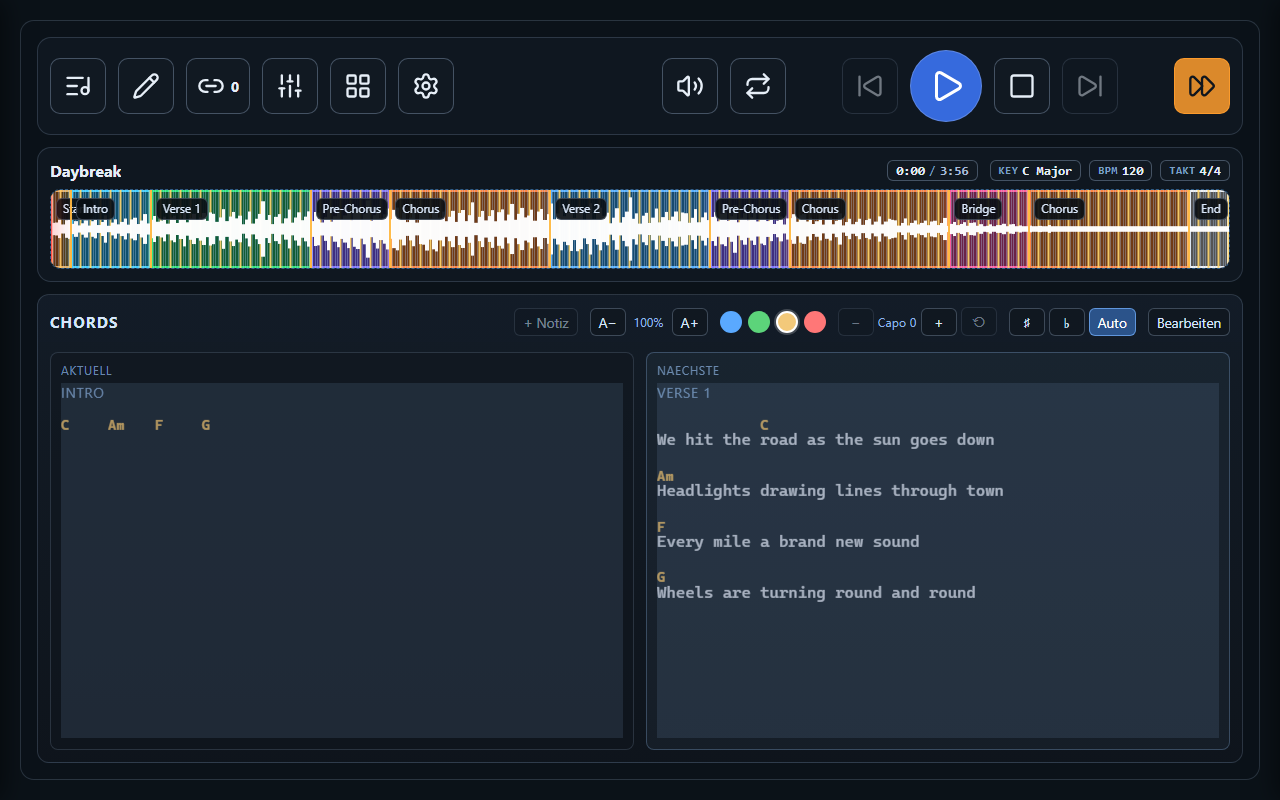
Every track of the song gets its own channel strip — drums, bass, piano, guitars, depending on what the song brings along. On top of that: master (overall volume) plus click and cues for the band.
Each channel offers a volume fader, mute and solo; several channels can be soloed at once. The mixer stays on screen as long as you need it — even while the song is playing.
Setlist & song library
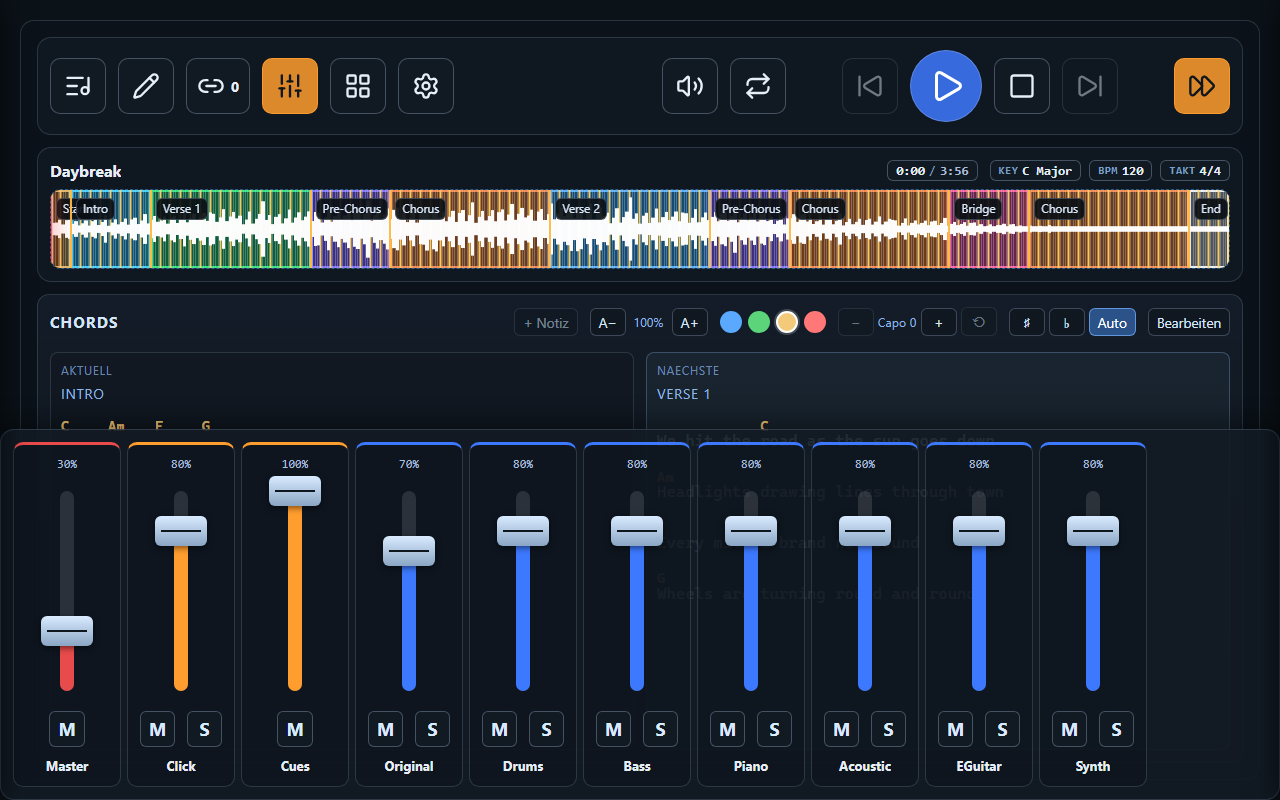
The setlist shows tonight’s songs in playing order, each with key and tempo. Tap to load a song, use the arrows to reorder. The search field pulls any song from the library into the setlist — and setlists shared by your band load with a single tap.
The library manages all of your band’s songs: title, tempo, time signature and key, plus channel assignment, volume and mute state for every single track. Songs without an audio track work too — as pure chord sheets for acoustic numbers.

Remote control & follower view
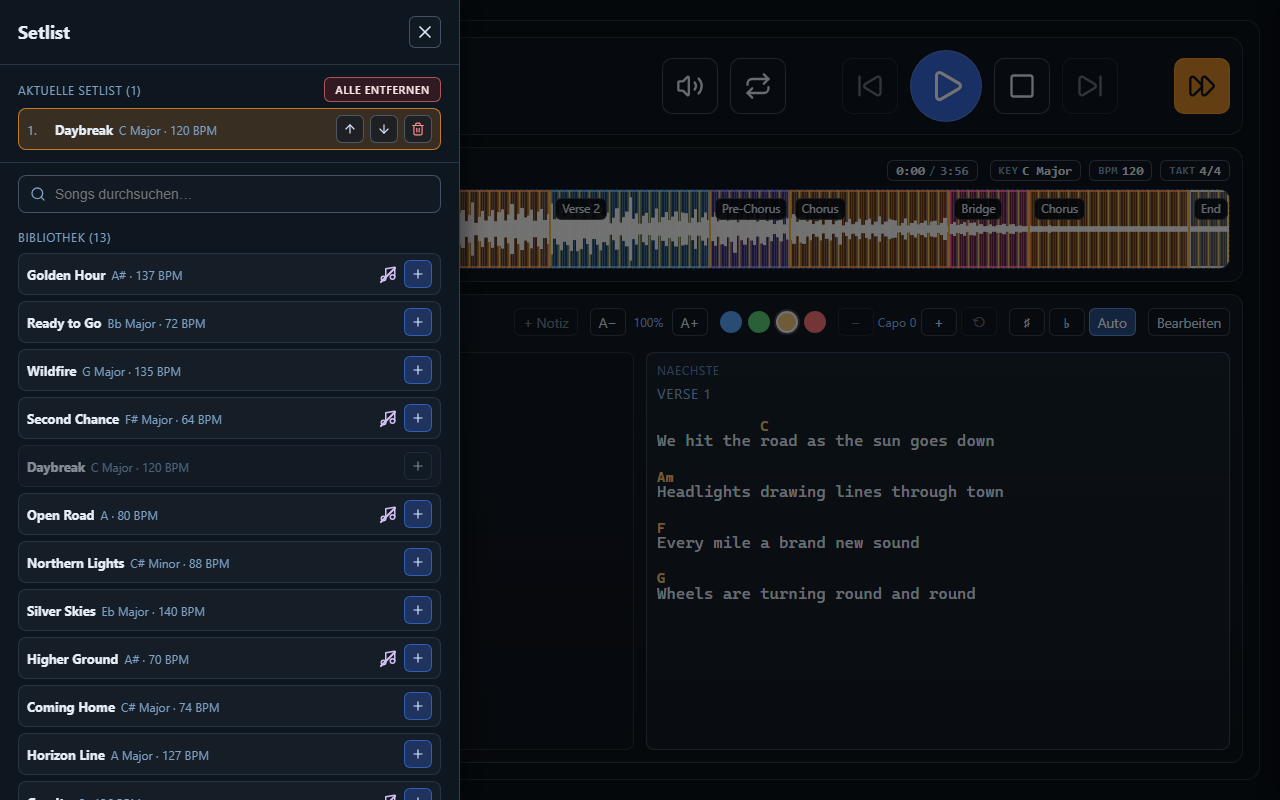
A master tablet on the same Wi-Fi fully remote-controls the show: play/stop, setlist, mixer, editing. To keep things safe, only one master can be active at a time.
Follower tablets show band members the chords for the song currently playing — passively, without affecting playback. Each band member can browse ahead on their own device, adjust font size and capo, and see their own notes.
All of this works on the band’s Wi-Fi without an internet connection — the stage doesn’t need a network.
Songbook — your songs without the show PC
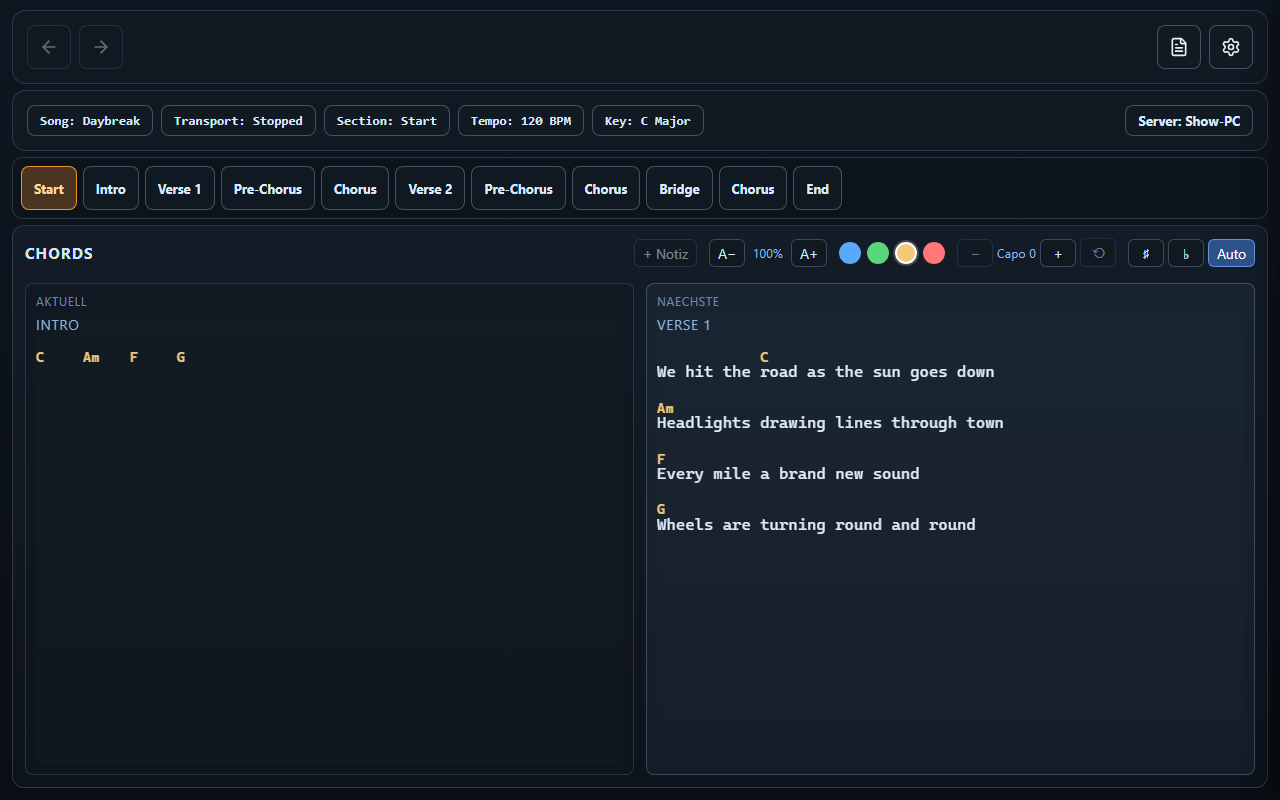
The songbook displays lyrics, chords and shared setlists even when the show PC isn’t running or isn’t reachable — handy for practicing at home or reviewing the songs for the next gig on the go.
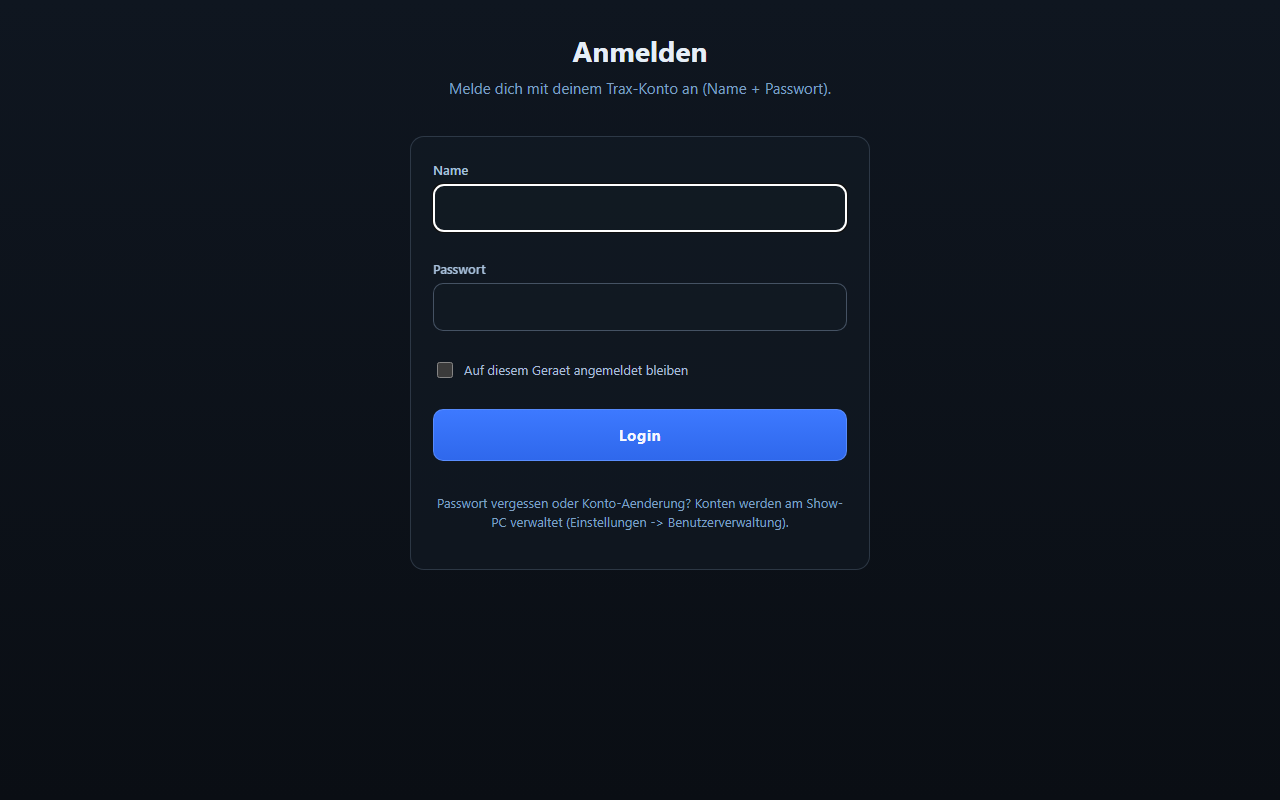
Band members sign in with the same account as in the live app. Anyone set up as a master can build their own setlists in the songbook and publish them for the whole band.
Biometric login with Face ID / fingerprint
Optionally, the band signs in with a fingerprint or face recognition — as an addition to the regular password login, not a replacement. The biometric data always stays on the respective device; Trax never sees it.
Biometric login is a separately available add-on and requires the show PC operator to bring their own domain. Without this setup, Trax runs completely normally — password login always works.
Pro audio: ASIO and multichannel routing
Trax outputs audio via ASIO or WASAPI (Windows speakers). In multichannel mode, every track gets its own physical output — click on channel 1, drums on channel 3, and so on, freely configurable.
Channels can be named, ordered and assigned to a target output; a dedicated cue bus carries voice cues and count-ins to the band. Through the respective hardware’s ASIO driver, this also works with network-based audio setups such as Dante.
Want to try Trax with your band?
Trax is currently in early access — get in touch by email.
Request early access